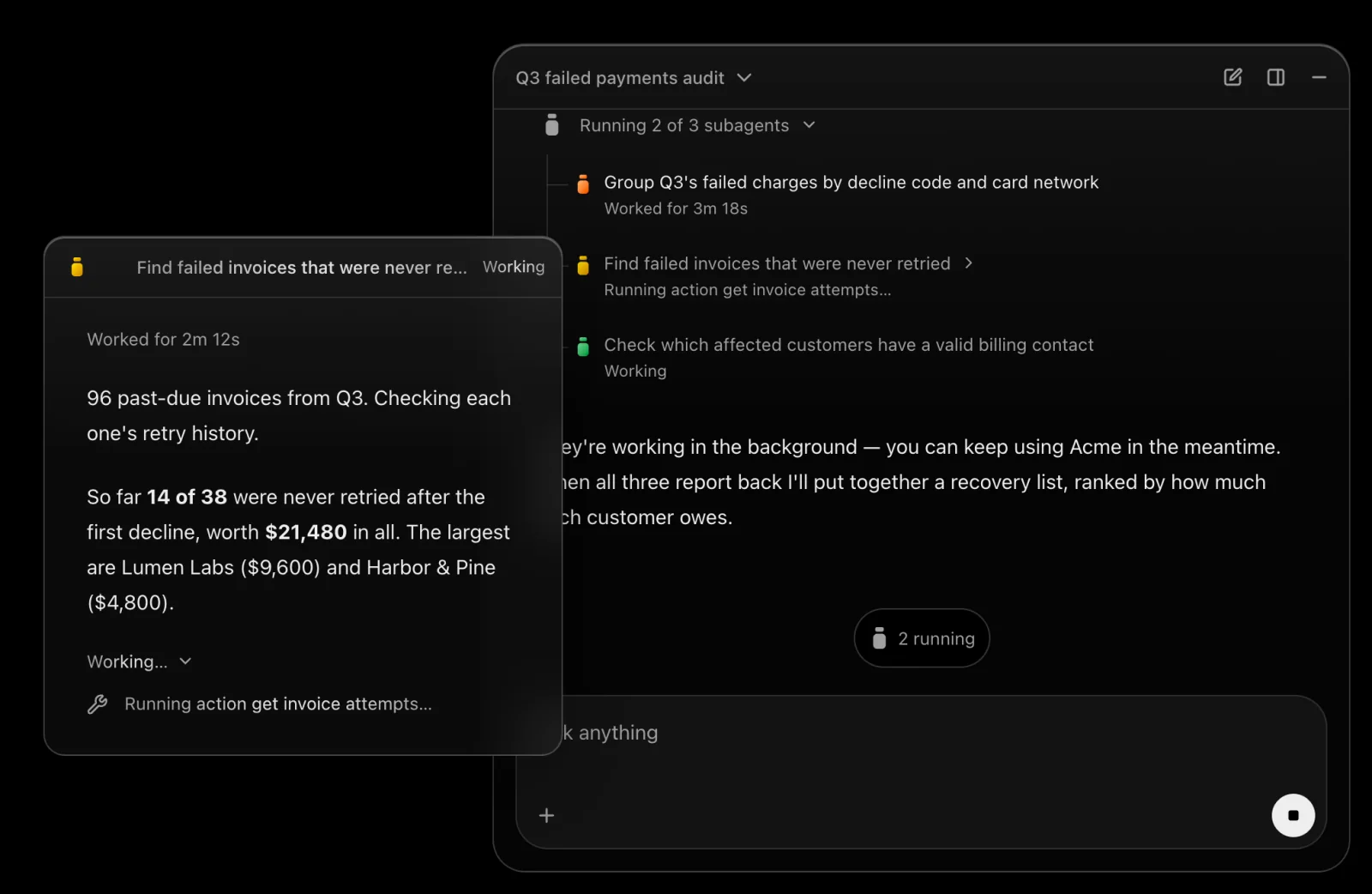
How it works.
Your users ask. The agent works on Teaflask and acts in their browser, as them. Here is how you set it up, and what your users get.
Docs that stay true.
Teaflask writes the docs your agent answers from, straight from your code. When a push changes what a doc says, you get the fix to approve.
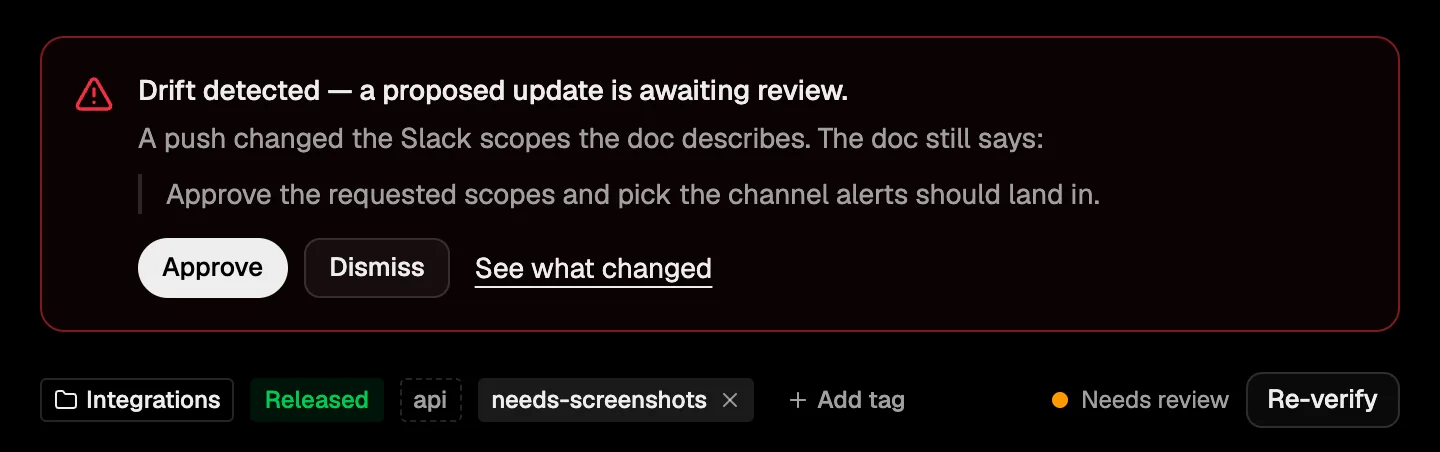
- 1A push changed the code.
- 2The live doc waits for your yes.
Your APIs, as actions.
Every API call in your code becomes an action. You decide what the agent may do with each: Allow, Ask or Deny.
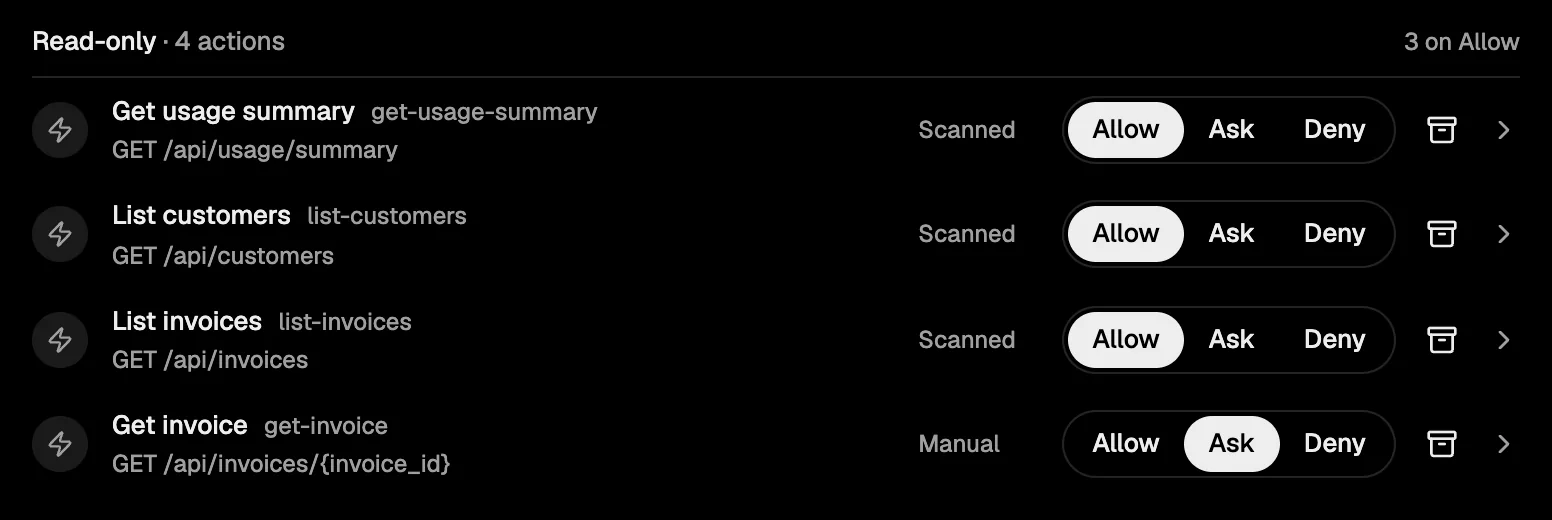
- 1Found in your code.
- 2You decide.
An agent with your rules.
Pick the model, then grant it what it may use: your docs, your actions, your pages, your playbooks, a sandbox and sub-agents.
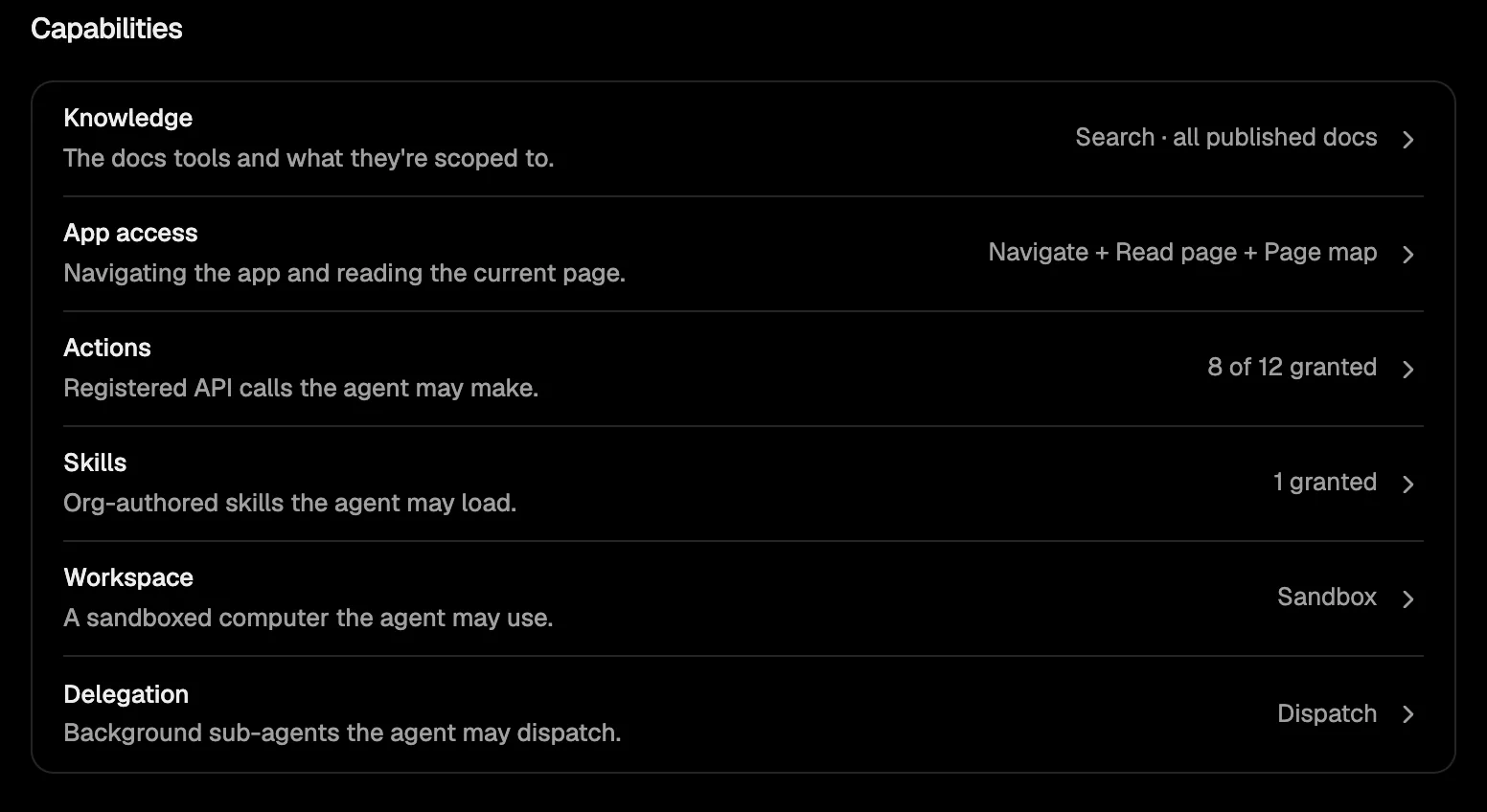
- 1You turn each one on.
- 2Sub-agents for the big jobs.
One component, where you want it.
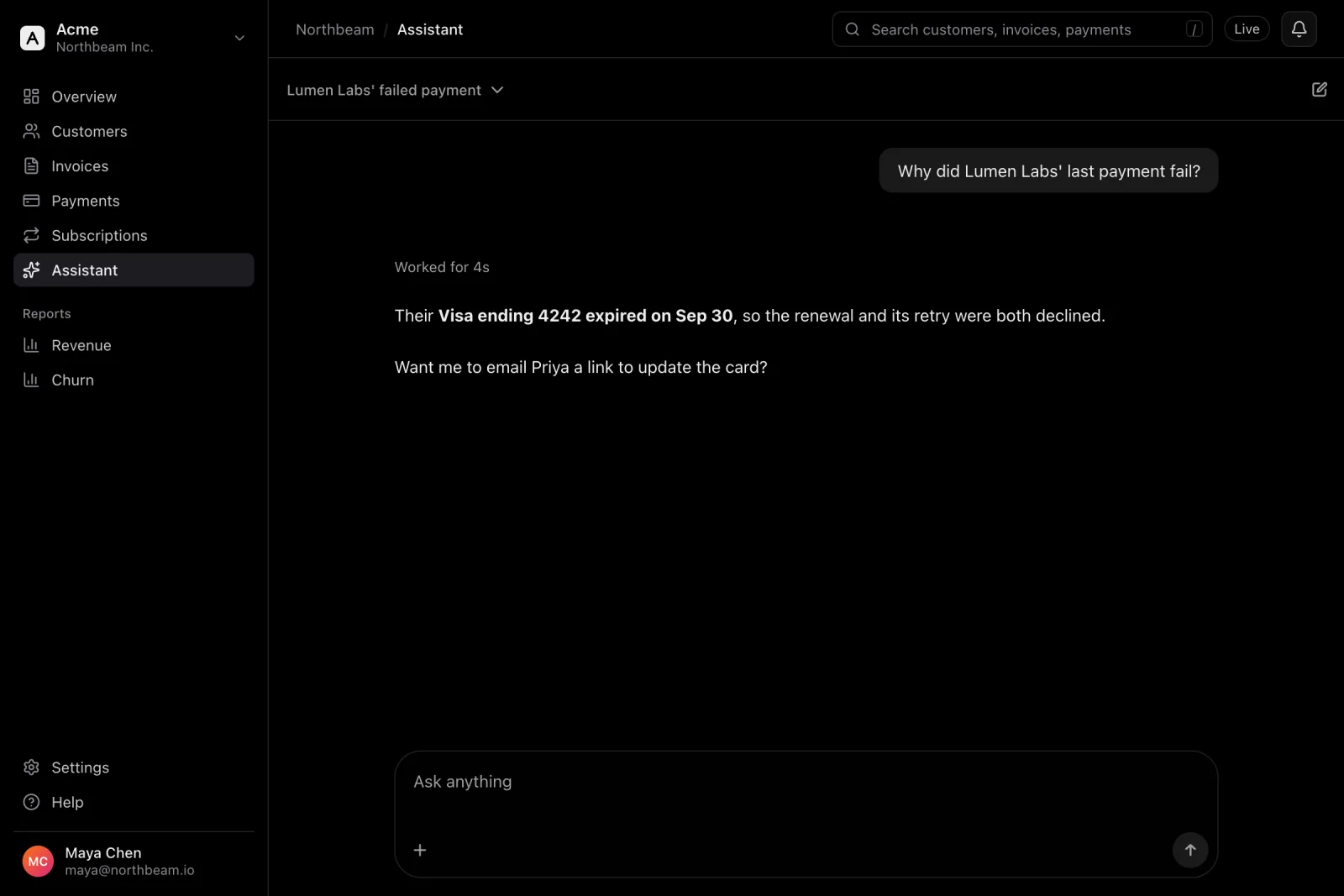
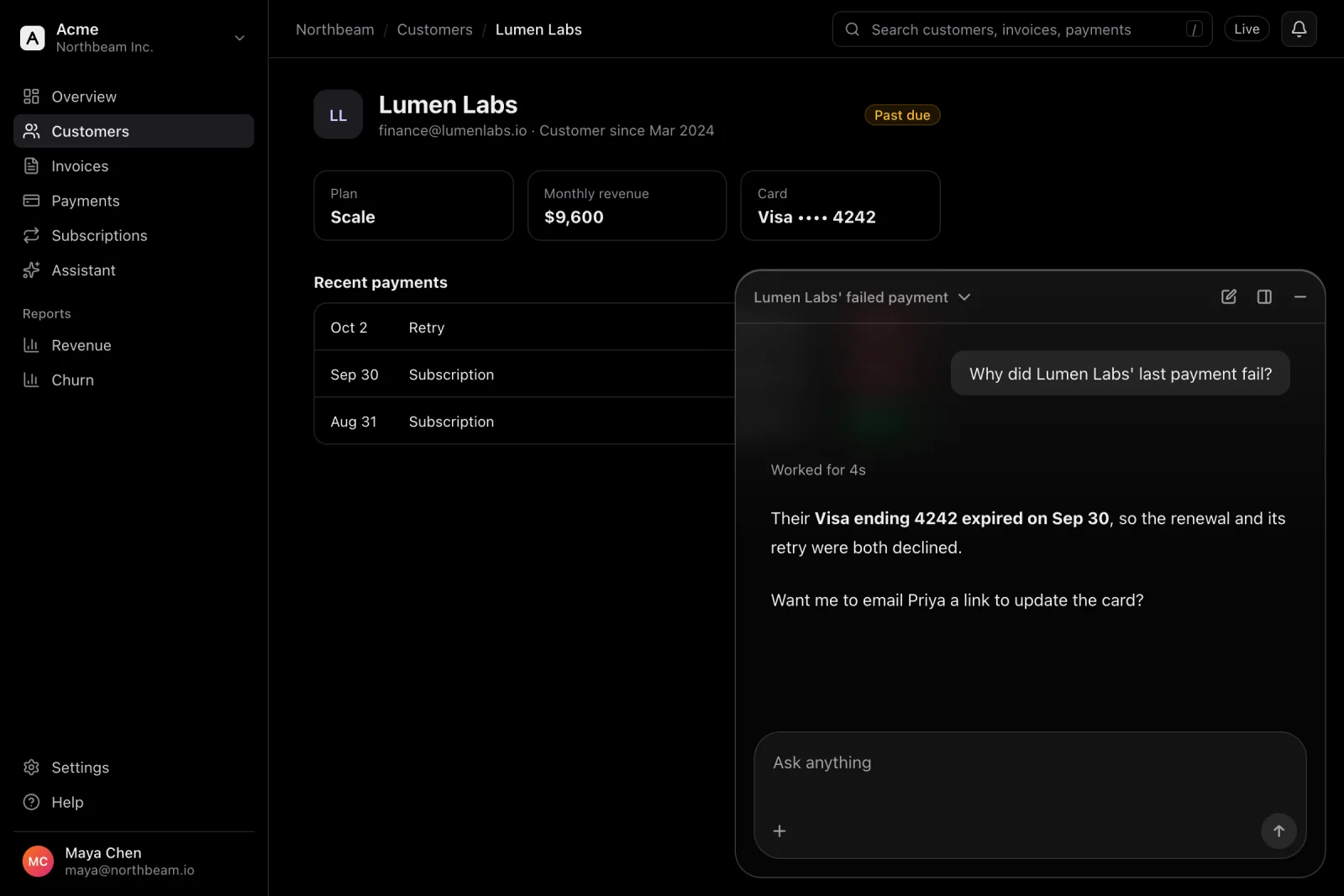
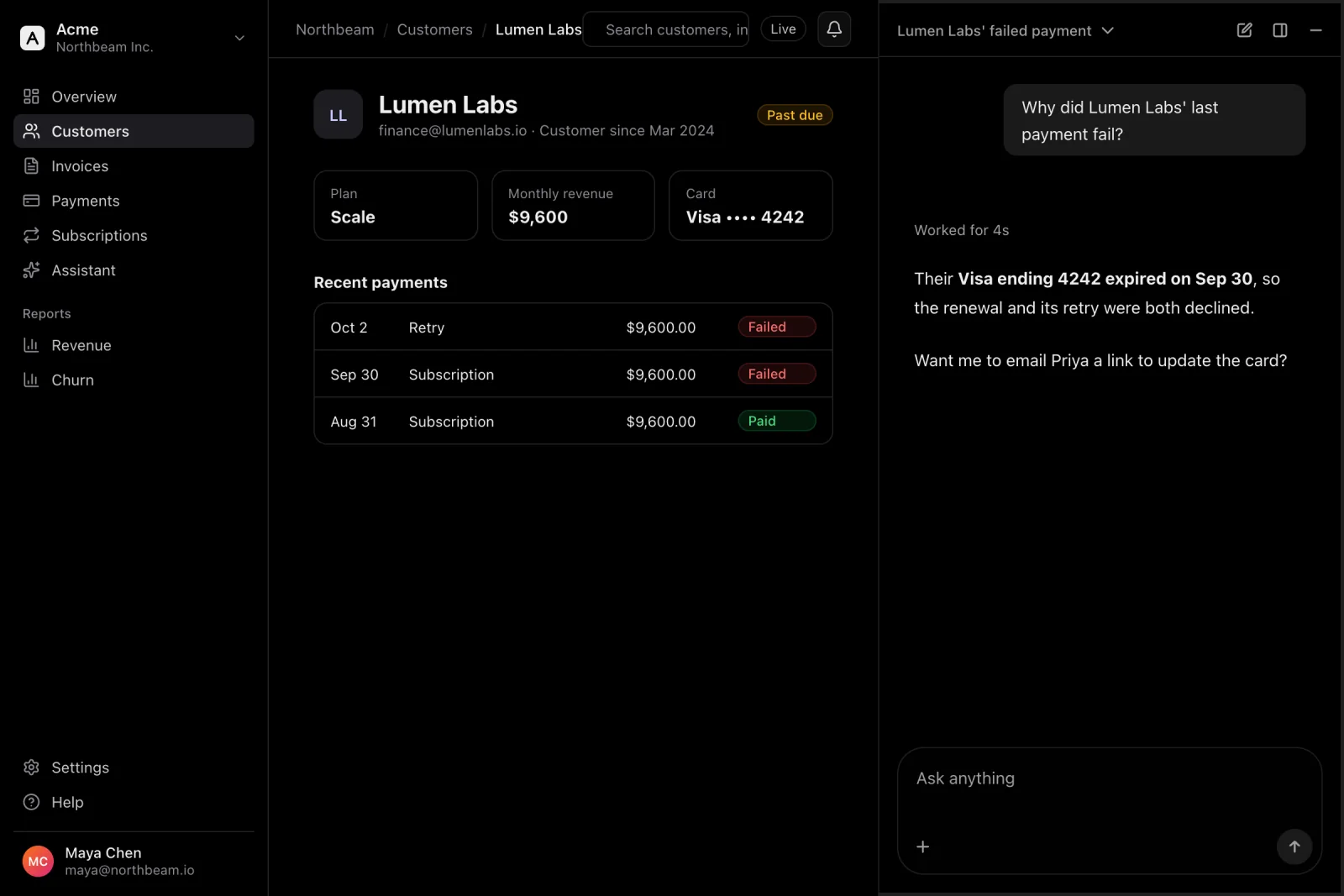
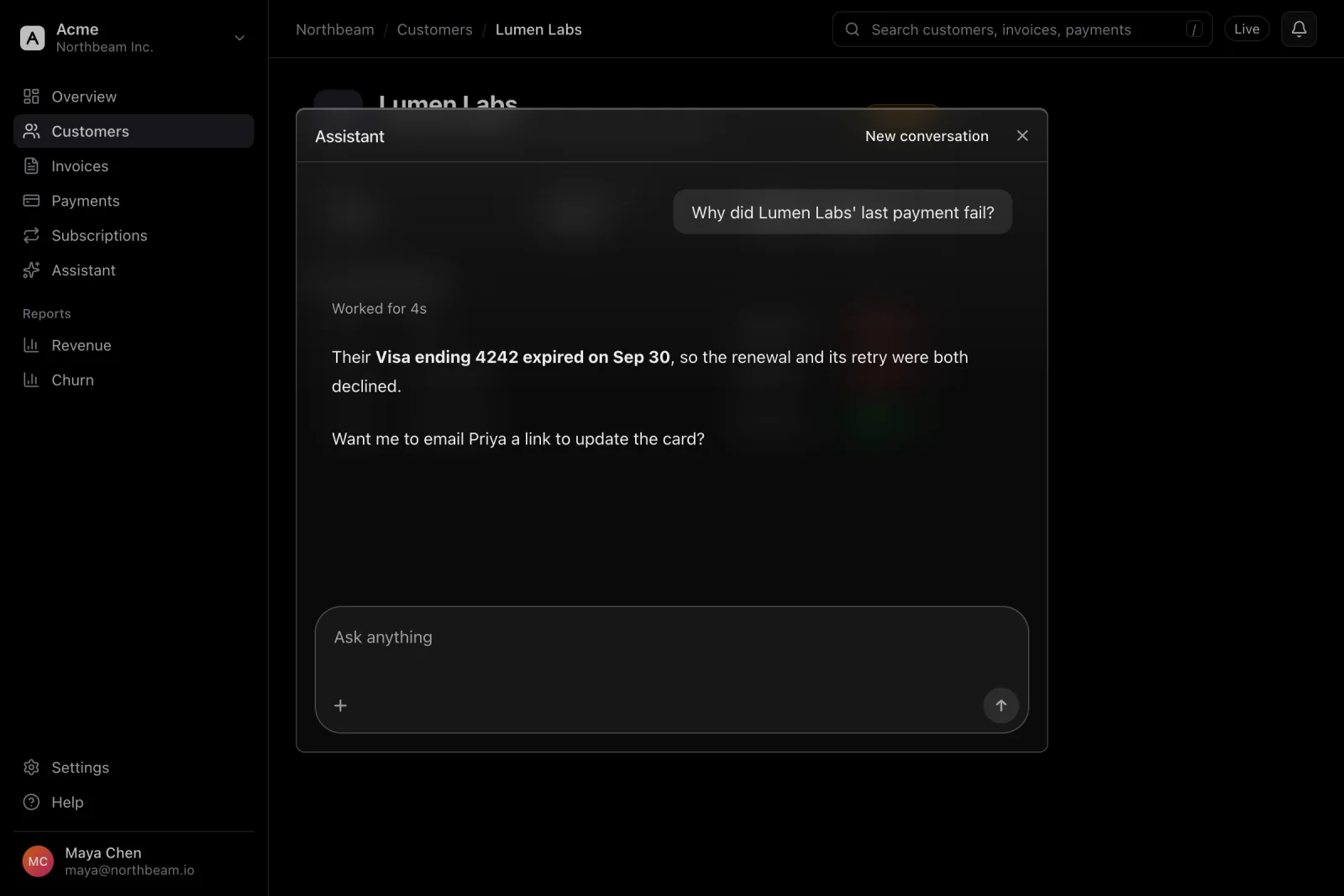
Paste the setup prompt into your coding agent. It adds the assistant to your frontend: a corner panel, a sidebar, a ⌘K palette or a full page.
It works your product for them.
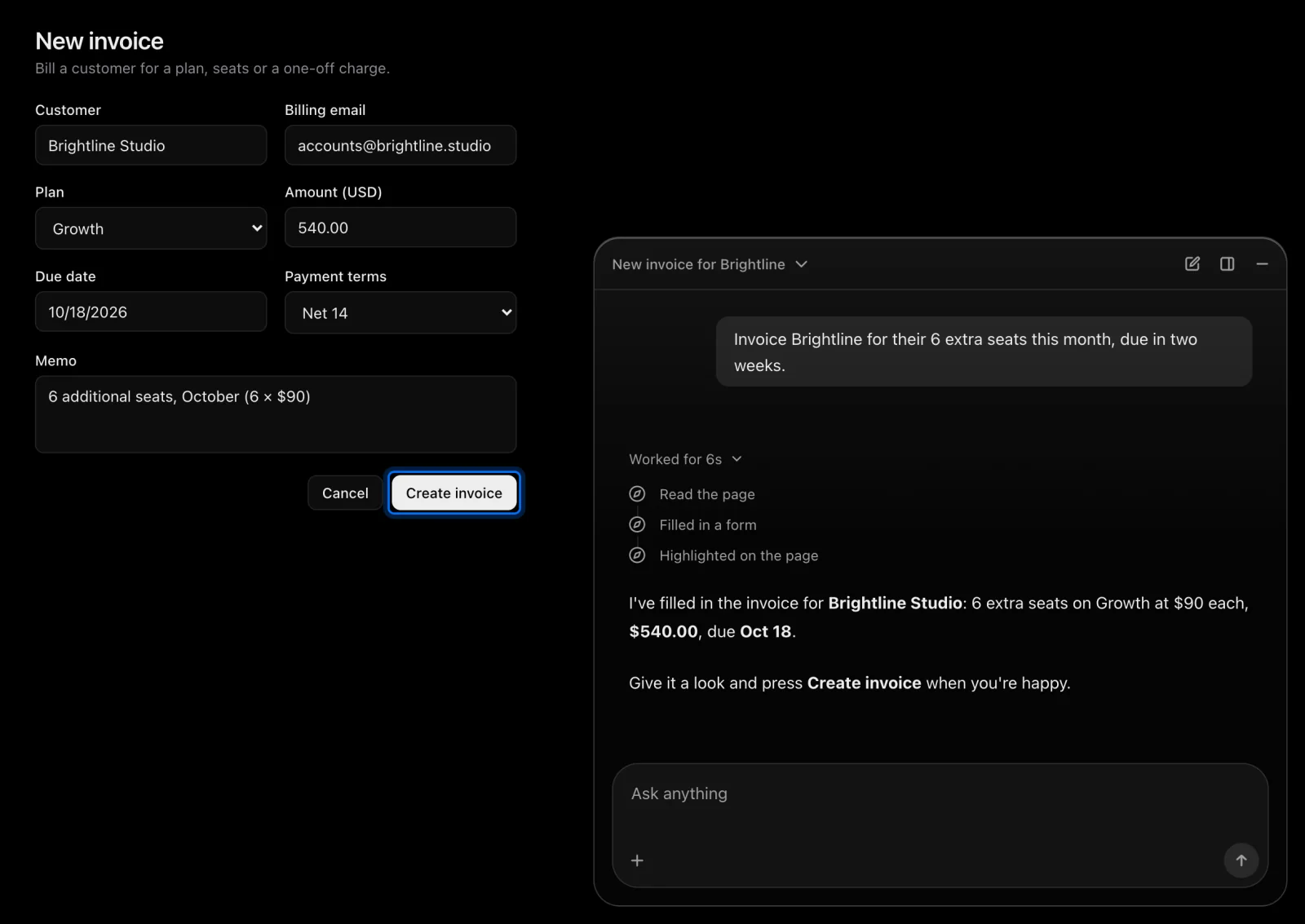
It takes users to the right page, points out what to click, and fills in forms for them to check. The last click is always theirs.
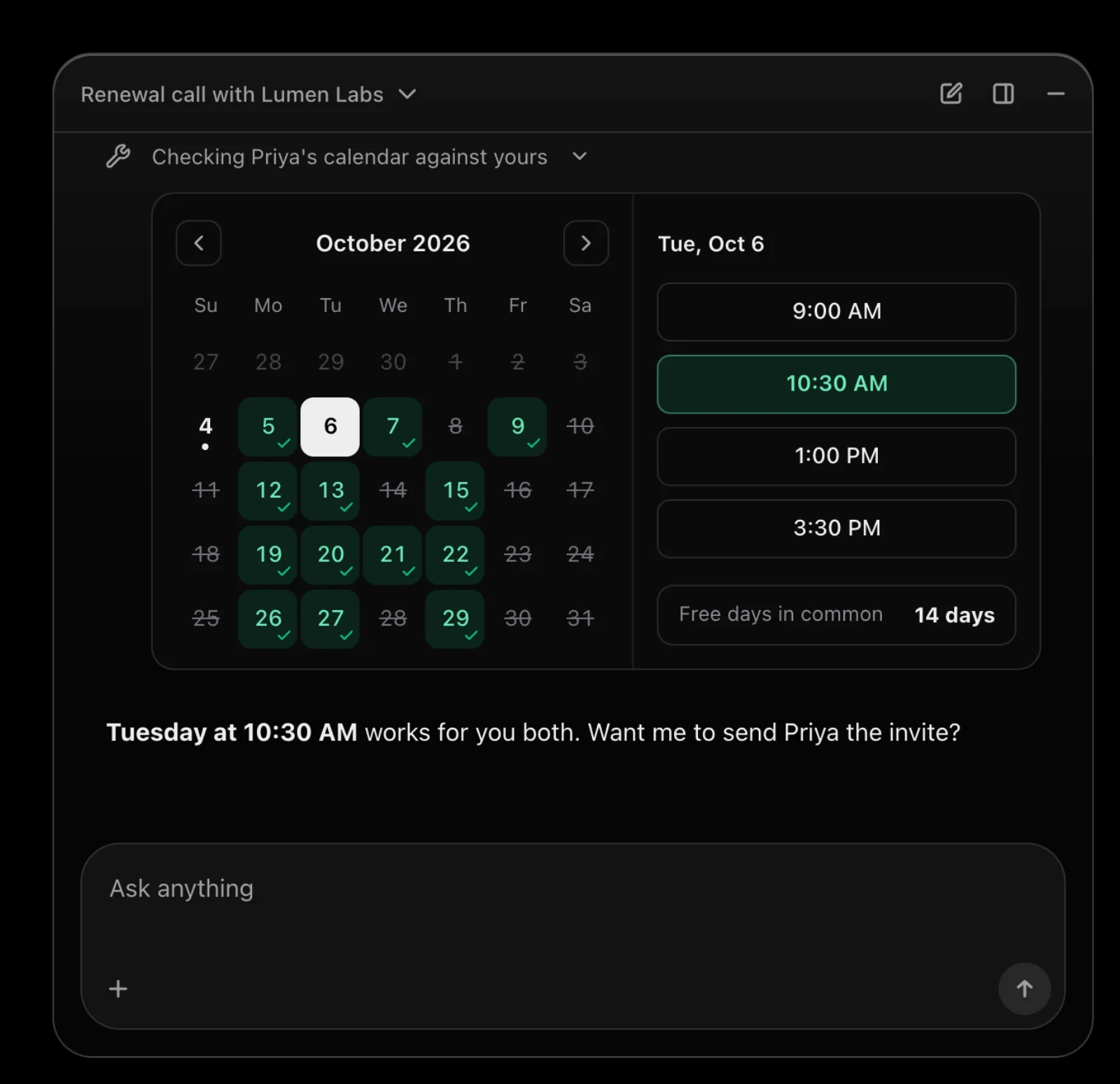
Your components, in the chat.
Answers can render as your own components: a calendar as a calendar, an invoice as an invoice, not a wall of text.
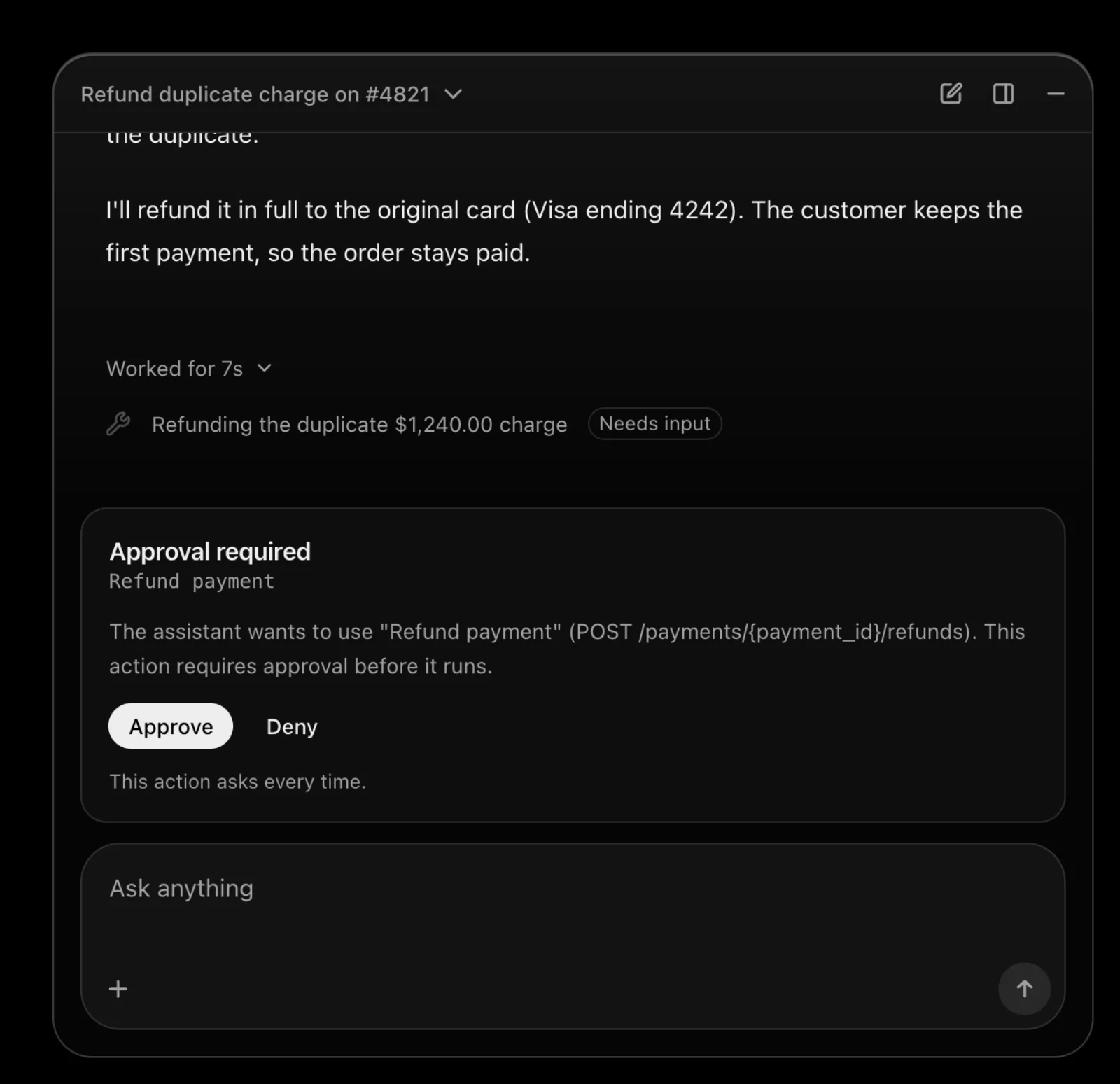
It asks before it acts.
Anything you set to Ask waits for the user’s yes, with exactly what will be sent.
Big jobs, split up.
Long work goes to sub-agents that run in the background while your user keeps working, and report back.